
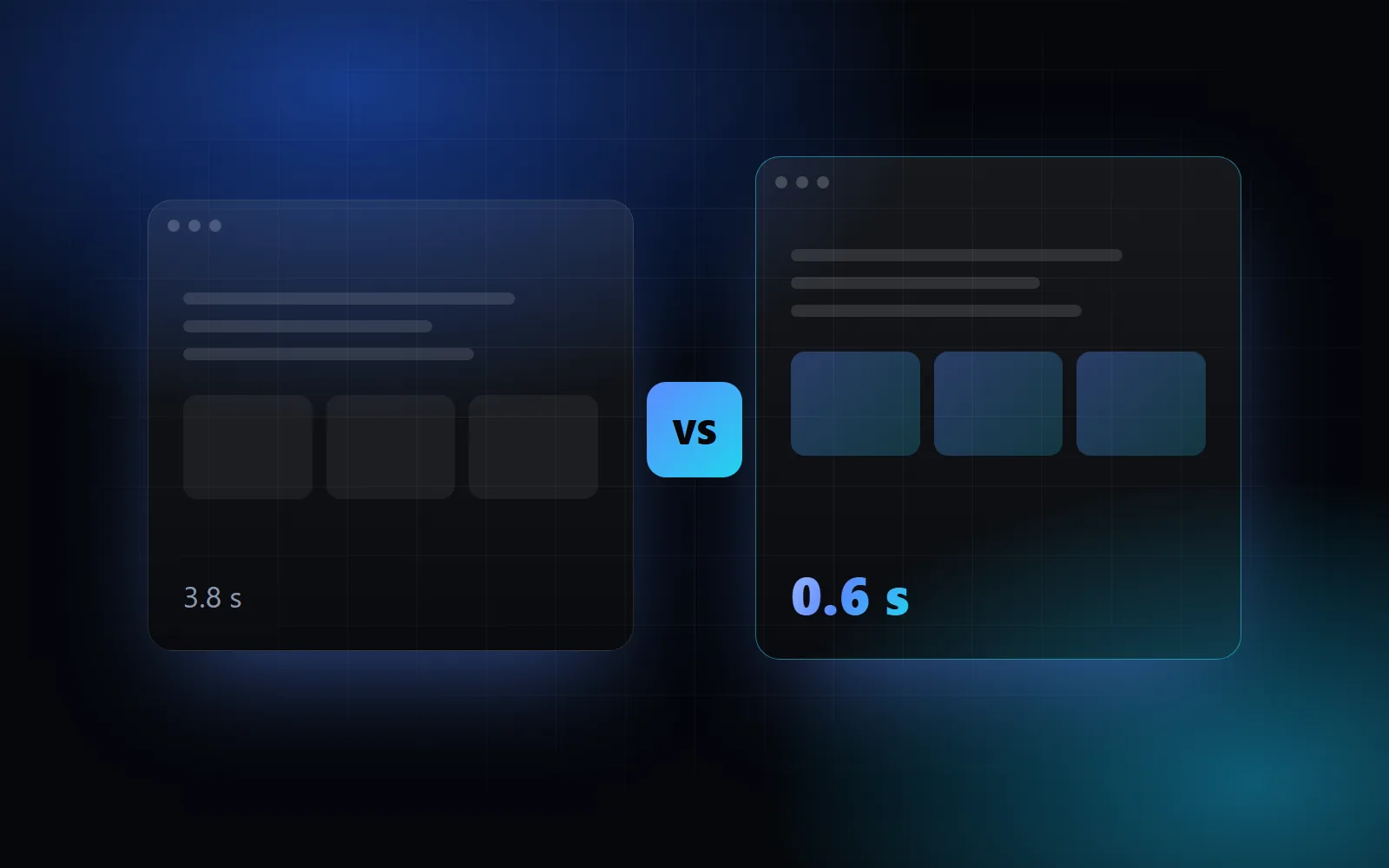
WordPress powers a large share of the web and it's a great tool. That doesn't mean it's always the best choice. Here's a comparison without the marketing, from a business owner's point of view.
In short
- WordPress is great when you need a classic blog or already have a team that knows it well.
- Next.js is great when you want a fast, secure, unique website with a custom admin or features that go beyond a template.
Speed
Speed directly affects Google rankings and how many visitors stay. WordPress sites with heavy themes and lots of plugins are often slow on mobile. They can be sped up, but usually with even more caching plugins.
Next.js sites can be pre-built (statically generated) and served from a global network of servers. Images are automatically converted to modern formats (WebP, AVIF) and only load when needed. The result is pages that open instantly.
Security
Most WordPress hacks don't exploit WordPress itself, but outdated plugins and themes. Every plugin is extra code someone has to keep updated.
A Next.js site has no public login at /wp-admin, no third-party plugins you don't know and no database exposed to attacks when it doesn't need one. Fewer moving parts means less risk.
Content editing
This is where WordPress has an out-of-the-box advantage: the editor is familiar and many people know it.
With Next.js the site gets a custom admin built exactly for your content. The owner of a kids' party venue, for example, edits packages, prices, the gallery and news, without seeing a hundred settings she doesn't care about. For non-technical users this is often simpler than WordPress.
SEO
Both can be excellently optimized. The difference is how:
- WordPress relies on plugins (Yoast, Rank Math) that need to be configured correctly.
- With Next.js, meta data, the sitemap, structured data and canonical URLs are part of the code, so they're correct on every page.
Cost
| WordPress | Next.js | |
|---|---|---|
| Hosting | Paid hosting with PHP and a database | Often free (Vercel) or your existing cPanel |
| Plugins | Premium plugins with yearly subscriptions | Not needed |
| Maintenance | Regular core, theme and plugin updates | Occasional dependency updates |
| Build | Faster with a template | More work on the first build |
When I choose which
I recommend WordPress if you have an existing site with lots of content and a team already editing it, and speed isn't critical.
I recommend Next.js when you want a unique design, excellent speed, an online store or custom bookings, and as little maintenance as possible. All my projects are built with modern frameworks.
Conclusion
There's no wrong choice, only a choice that doesn't fit your goals. If you're unsure, describe your project and I'll tell you what I'd choose and why.