Just a few years ago, a "chatbot" meant a pop-up with "Yes / No / Talk to an agent" buttons that annoyed visitors more than it helped them. Modern AI assistants are a completely different thing: they understand questions in natural language, reply in the visitor's language and actually know your business.
What a modern AI assistant can really do
- Answer questions about services, prices, timelines, opening hours and terms, based on your own content.
- Help visitors choose the right service or product based on what they describe.
- Capture inquiries (name, email, details) and send them to you when the visitor is ready.
- Work 24/7, while you sleep, sit in meetings or take a holiday.
- Speak multiple languages and automatically reply in the visitor's language.
How it works, in short
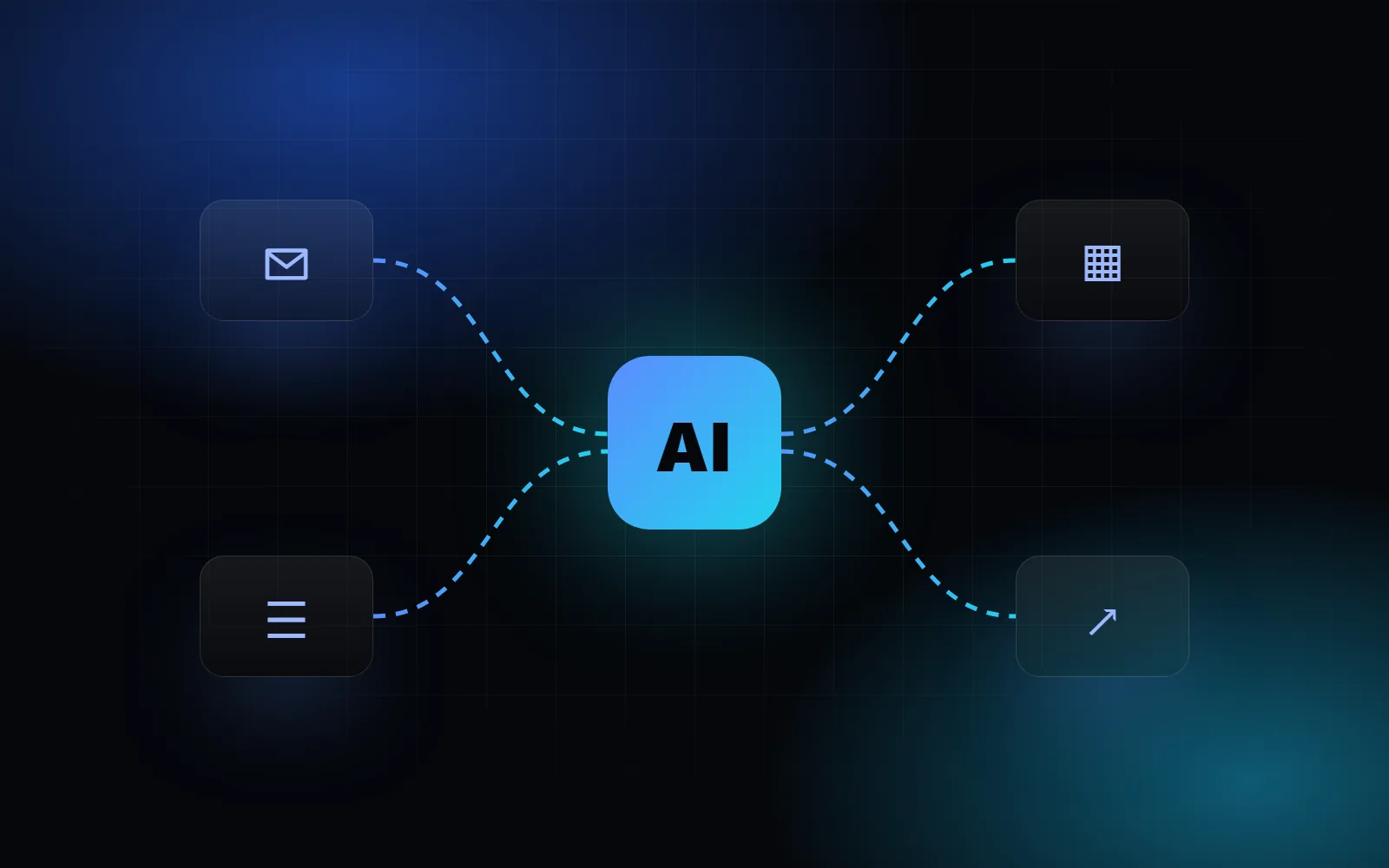
An assistant is made of three parts:
- A language model (for example GPT or Claude) that understands and writes text.
- Your content: services, pricing, FAQs, documents. The model doesn't memorize it. For every question it looks up the relevant parts and answers based on them. This is called RAG (retrieval-augmented generation).
- Rules: what it may and may not say, when to hand over to a human and how to collect contact details.
A good AI assistant isn't the one that can answer everything. It's the one that knows what it doesn't know.
What drives the cost
| Item | What it depends on |
|---|---|
| Build | Amount and structure of your content, integrations (email, CRM, bookings), chat widget design |
| Monthly model usage | Number of conversations and choice of model |
| Maintenance | Content updates, conversation review, improvements |
For most small businesses, monthly AI usage is surprisingly low, often a few euros to a few tens of euros, because a single conversation costs a fraction of a cent to a few cents. Most of the cost is a good one-off setup.
When it pays off
An AI assistant pays for itself fastest when:
- you get lots of repetitive questions (prices, timelines, delivery, opening hours),
- visitors arrive outside business hours,
- your service is complex and people need help choosing,
- you lose inquiries because nobody replies fast enough.
If you get two questions a month, you don't need an assistant. If you get twenty a week, it can save you hours.
What to watch out for
- Limit it to your content so it doesn't make things up.
- Clearly label it as an AI assistant. European AI regulation requires this too.
- Don't collect more data than you need, and keep processing GDPR-compliant.
- Review conversations regularly. They show you what customers really care about, which is gold for your website content.
How to get started
Start small: an assistant that answers your 20 most common questions and captures inquiries. Once you see how people use it, expand it. For an estimate for your website, see AI solutions or get in touch.